Why Shopify Support Teams Lose Time on Every Ticket
A customer emails: "Where is my order?" The agent reads it, switches to the Shopify admin, searches the customer's email, finds the order, checks fulfilment status, copies the tracking link, switches back, and replies.
That context-switch costs 40–90 seconds. On 200 tickets a day it costs a full agent-shift — and it introduces the error every ecommerce support lead knows: the agent looks at the wrong order, because the customer has three.
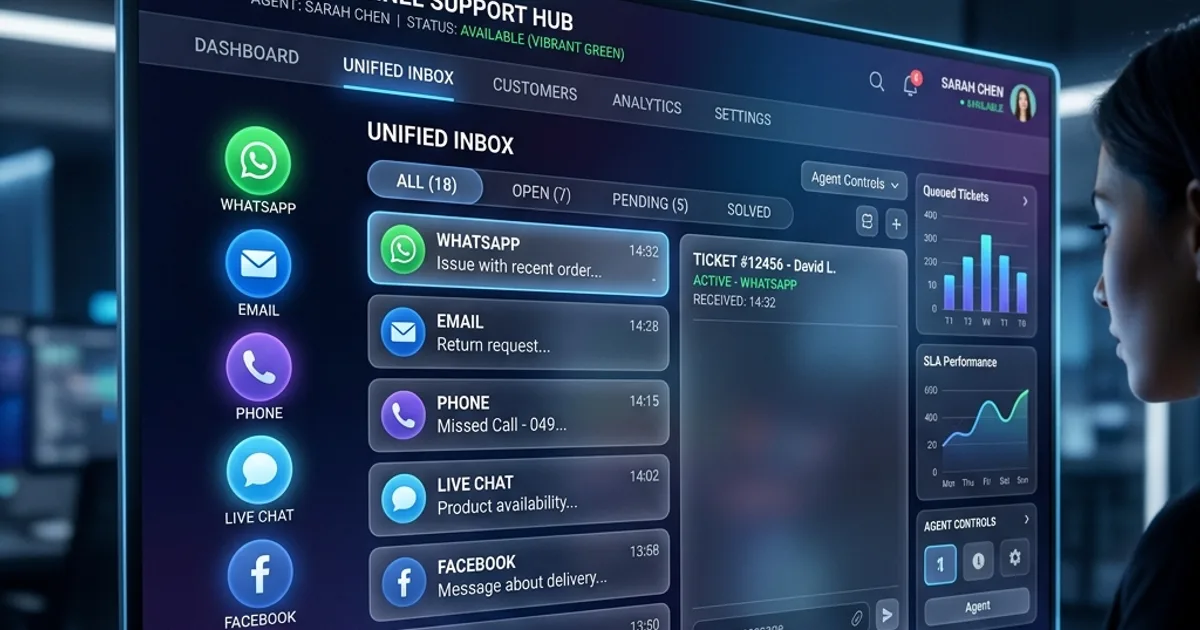
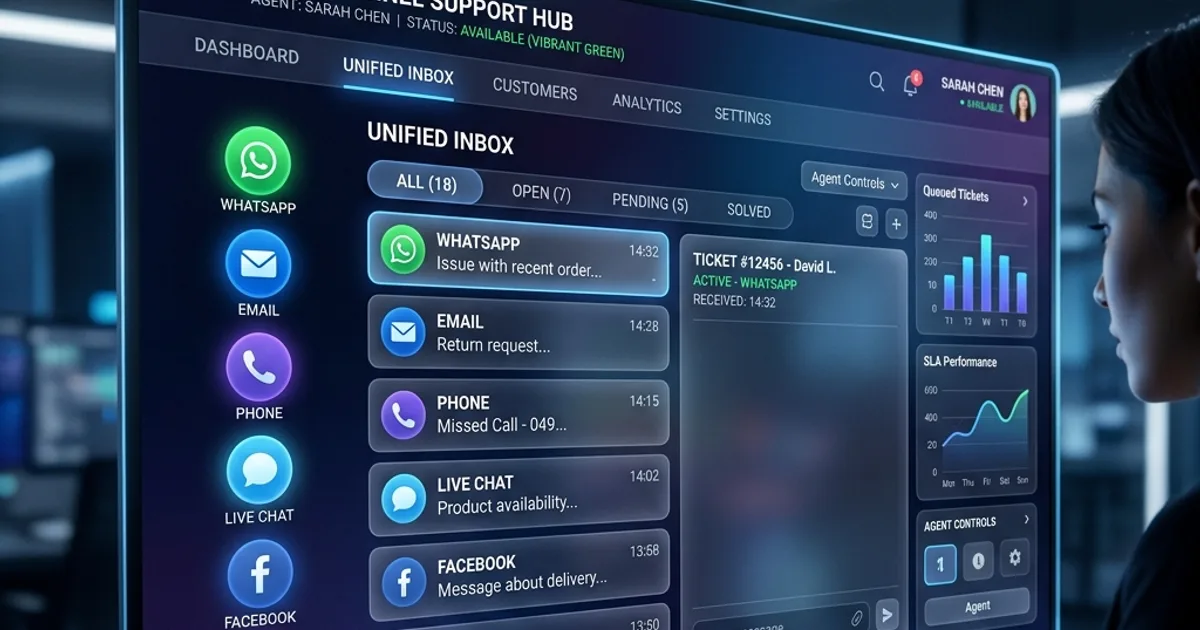
The fix is not a faster agent. It is putting order context in the same window as the conversation.
The Phone-Order Problem Nobody Solves
Most Shopify helpdesk integrations look up customers by email address. That works for email and chat tickets, where the address is the identifier.
It fails completely on the phone.
When a customer calls a tollfree number, you have their phone number — not their email. An email-only integration shows the agent an empty panel on exactly the channel where speed matters most, because the caller is waiting on the line while the agent asks them to spell out their email address.
For Indian D2C brands, where a large share of post-purchase support arrives by phone, this is not an edge case. It is the majority path.
A support platform integrated properly with Shopify should resolve a customer by email or phone, and should try multiple phone formats — +919876543210, 919876543210, 09876543210, and 9876543210 are the same person, but Shopify's API treats them as different search strings.
What Good Shopify Support Integration Actually Looks Like
| Capability | Why it matters |
|---|
| Lookup by email and phone | Tollfree callers get instant order context, no spelling out addresses |
| Order history in the ticket view | No tab-switching; agent sees order number, total, fulfilment status inline |
| Customer sync | New Shopify customers appear in your CRM automatically, deduplicated against existing records |
| Multi-store / multi-tenant | One helpdesk, several Shopify stores, strict data isolation between them |
| Protected Customer Data compliance | Required by Shopify since 2023 for any app reading customer or order PII |
That last row catches teams out. Shopify's Protected Customer Data approval is a separate gate from OAuth scopes: you can hold read_customers and still receive a 403 until the app is explicitly approved for PII access. Any vendor promising "instant" Shopify customer data is glossing over an approval step that genuinely exists.
Deduplication: The Hidden Requirement
Sync a Shopify customer list into a helpdesk naively and you double your customer records. The same person exists as:
- a Shopify customer with an email
- a caller in your CRM with a phone number
- a WhatsApp contact with a third identifier
Identity resolution has to happen on write, not on read. When a new Shopify customer arrives, the platform should match against every known identifier — normalised phone variants included — and merge into the existing record rather than creating a second one. Otherwise your "single customer view" quietly becomes three partial views, and your repeat-customer metrics are wrong.
Connecting a Store: Two Paths
Custom app with an Admin API token. The merchant creates an app in the Shopify Dev Dashboard, grants read_customers and read_orders, and pastes the access token into the helpdesk. No app-store review, works on any store, and it is the model Zendesk and Freshdesk both use. Note that since 1 January 2026, new custom apps must be created in the Dev Dashboard rather than the store admin — older guides describing the in-admin flow are out of date.
Public app with OAuth. One-click install, but it requires the vendor to hold public distribution and app-level Protected Customer Data approval. Cleaner for the merchant when available.
Both need Protected Customer Data approval per store. There is no route around it.
What to Ask a Vendor
- Can you look up an order by phone number, not just email?
- What happens when the same customer contacts us on phone, email, and WhatsApp — one record or three?
- Is customer sync opt-in per workspace? (Writing customer records from an external system should never be a silent default.)
- How do you isolate data when we connect two Shopify stores?
- Are webhooks HMAC-verified? An unsigned webhook endpoint that writes customer records is an open door.
The Measurable Outcome
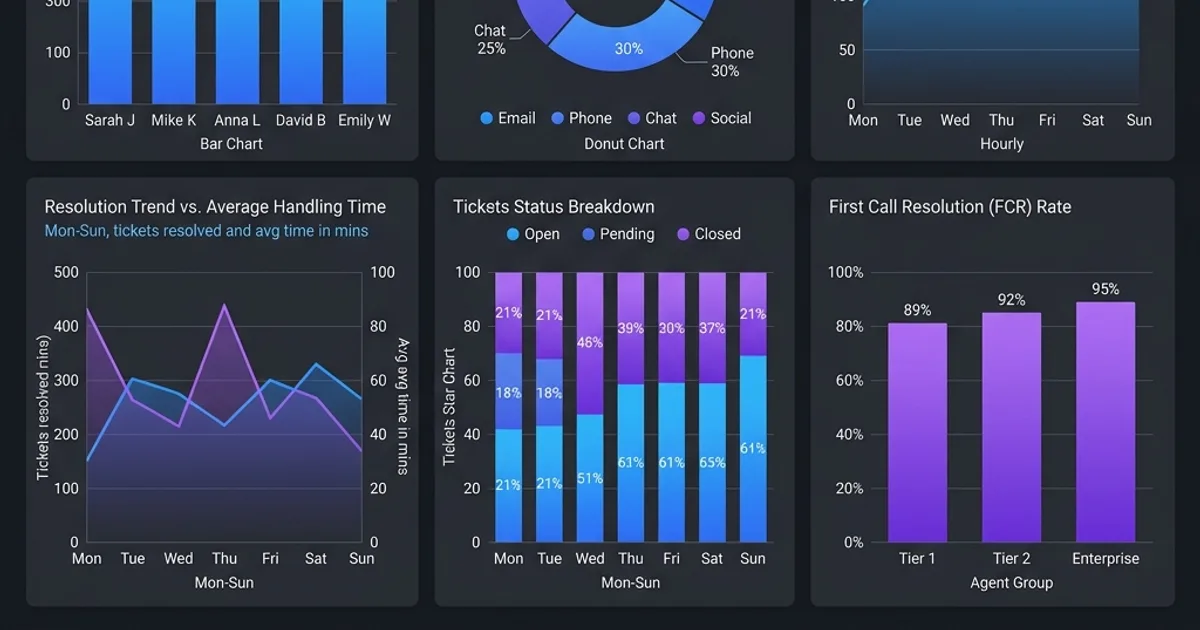
Removing the Shopify tab-switch from a support workflow is one of the few changes with an immediately visible effect on average handle time. The agent stops navigating and starts answering. On voice, where the customer hears every second of silence, the difference is larger still.
Wevyn resolves Shopify customers by both email and phone, syncs new customers with identity-based deduplication behind a per-workspace toggle, and verifies every webhook signature. See how the Shopify integration works →